NSFW Text to Video AI Generator
Write a shot when you do not have an opening image. Establish an adult subject and a location, add one action, then choose a camera direction that leaves room for it.
Create a video from text18+ · Model-specific content rules apply · Check the estimate in Studio
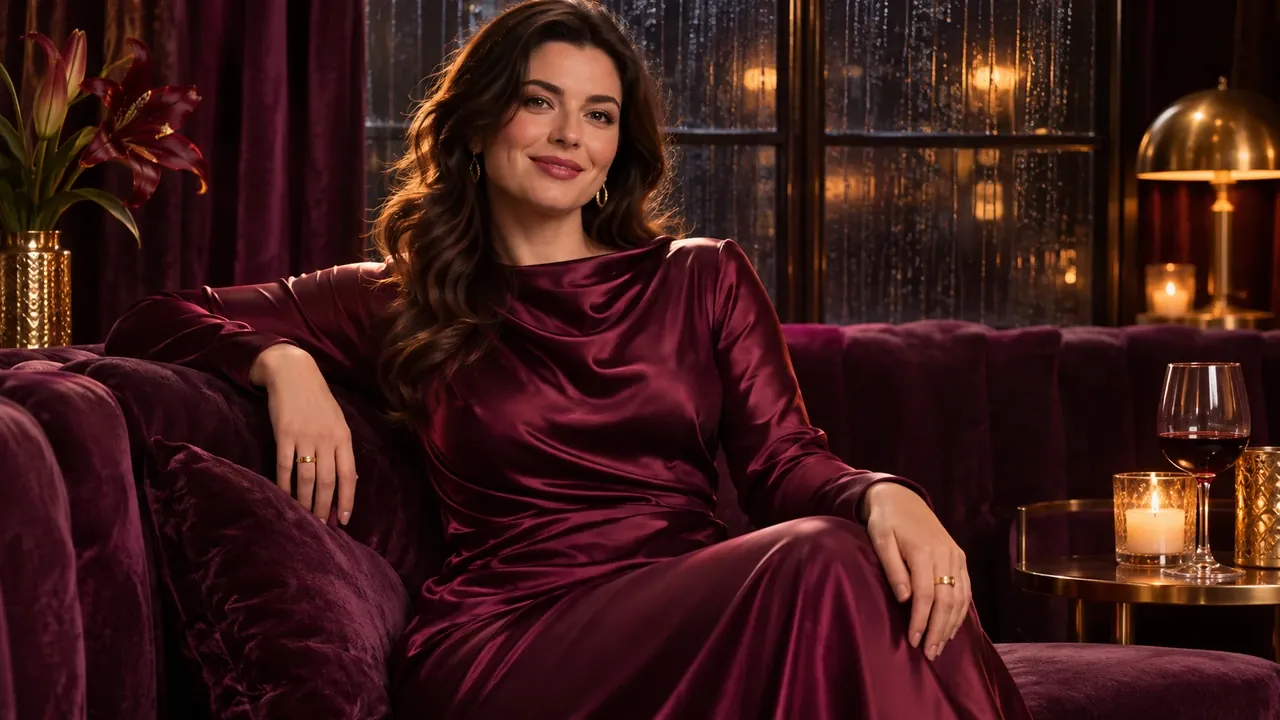
Write the scene and its motion together
Text to video creates a moving scene from a written prompt, without a required opening picture in this workflow. The brief needs to establish both what the shot looks like and what happens in it.
- Input
- A written scene and motion brief
- Output
- A generated video
- Settings and cost
- See the request estimate in Studio and current pricing.
- Permissions
- Use authorized adult material. Read the guidelines.
How to use text to video
Establish the scene
Name an adult subject, a setting and the visual details that matter. Choose one main action for the shot.
Choose the shot settings
Open Text to video in Studio. Review the model’s available duration, framing and other controls, and compare the estimate with your balance.
Check the action and composition
Inspect the full video for completion of the action and unintended visual changes. Revise the instruction that best matches the problem.
Give the shot one clear purpose
Write a moment rather than a sequence
Several locations or actions can compete within a short clip. A single entrance, gesture or turn gives you a result that is easier to judge.
Use a reference when the look matters
For more guidance from an existing composition, prepare an authorized still and switch to image to video. Neither workflow guarantees identity or exact details.
Start with a focused brief
- A vague brief
- A cinematic character enters, waves, dances and walks into another room.
- A focused brief
- An adult fictional performer steps into a softly lit studio and turns toward the camera. Medium shot, steady camera, one unhurried gesture, a simple background.
The second brief stays in one place and gives the shot one main action. You can assess the entrance and gesture before trying a more complicated sequence.
These are writing examples, separate from the reference media. Use the focused brief as a starting point and change it to fit your scene.
Use this brief in StudioFills the prompt. You decide when to generate.
What to check in the result
- Is the subject and location clear before the action begins?
- Does the main action reach a useful ending?
- Would a simpler shot or an opening still make the next revision easier?
Task background: Hugging Face — text to video. This explains the general workflow, not model availability on NSFWGens.
Questions about text to video
Find more answers in Help & support.
How many actions should I put in my first video brief?
Start with one main action in one setting. Several entrances, gestures and location changes can compete within a short shot. Plan separate briefs when you want to explore several moments.
How is this different from image to video?
Here, words establish the subject and composition as well as motion. Image to video starts with a picture, so its brief can concentrate on what moves.
Do I need to describe the camera?
A simple direction, such as a steady medium shot, can make the intended framing clearer. Check whether the model exposes separate camera controls before assuming a prompt replaces those settings.
When is it better to create a still first?
Use a still when you want to establish a particular look or composition before animating. Inspect that image, then move to Image to video. It gives you a visual starting point, not a guarantee of exact detail preservation.